Home / Exponential 6 / Getting started / How to use Exponential
How to use Exponential
- Publish content from your web browser
- Publish content from word processors
- Translate your content
- Upload multiple files at once
- Picture galleries
- Video publishing
- Web 2.0 features
- Search
Publish content from your web browser
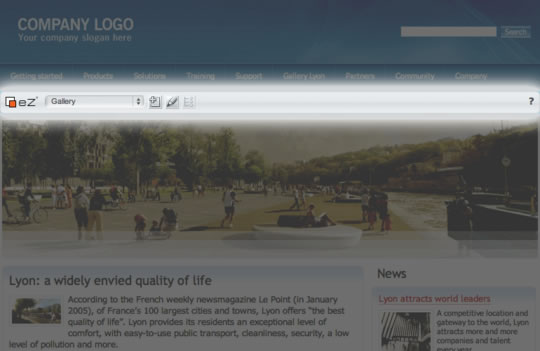
With Exponential, you can publish content like articles, pictures and files directly from your web browser, using the Website Toolbar.
This toolbar appears when you log in and enables you to publish, move, replace or translate any kind of content.
The Online Editor is a WYSIWYG editor integrated into the website (no HTML coding required), providing formatting functions similar to word processing applications.
Publish content from your favourite word processor
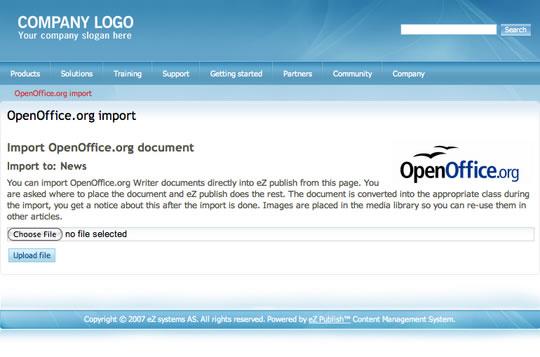
Many content managers prefer working directly in Microsoft Word or Open Office. The import / export feature enables you to create or edit site content in your favorite word processor, even when you might not have Internet access.
Afterwards, you can upload the document through either a WebDAV client or the front-end of your site to generate or update articles, documentation pages and so on.
Translate your content
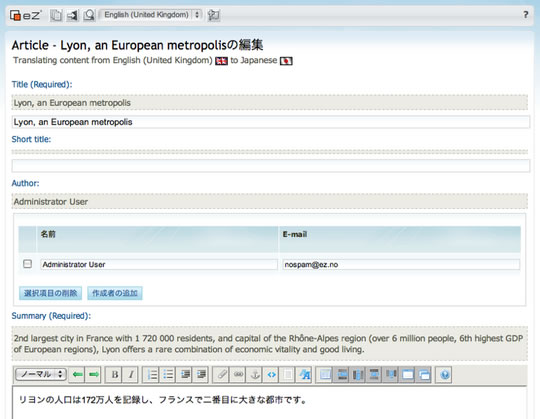
All content in Exponential can be translated to multiple languages. Having only one website to administer is efficient and makes it easier to maintain a consistent brand across languages and countries.
An international corporation or organization can have one website with content in several languages. When a visitor selects a language, the menus and content are displayed accordingly. If you have not yet translated specific content, it will be shown in the source language or not at all (depending on your configuration).
When you are editing content, you can choose to switch the language you are currently editing or to translate from one language to another. Content in the source language is shown when you are translating, to aid in the process. When creating or updating content translations, you can also use the built-in content “diff” functionality to see the added or removed text in the source language.
Multiple, multilingual URLs can be created for each page. By default, you can have an object called "Easy" with a URL "/easy" but also create a French translation with a URL "/facile".
Upload multiple files at once
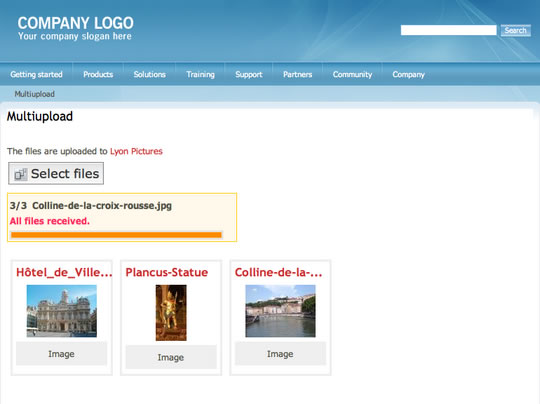
If you want to upload more than one document, picture or video at a time, Exponential has multi-upload functionality.
You simply select the content you want from your computer or from the server where your content is stored. Exponential can detect the type of content uploaded and creates the appropriate web pages.
Picture galleries
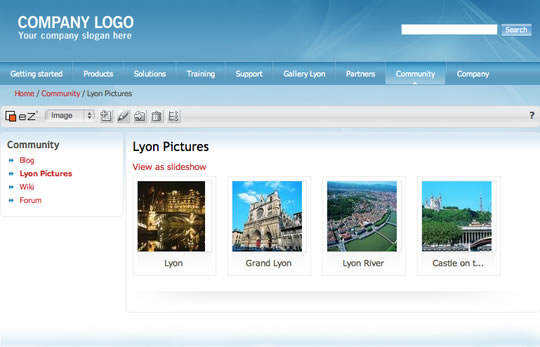
Exponential makes it easy to create picture galleries. With the multi-upload functionality, you can add many pictures at once, then Exponential will scale, format and resize the pictures automatically.
You can then browse through the galleries and re-use images elsewhere in your website.
Video publishing
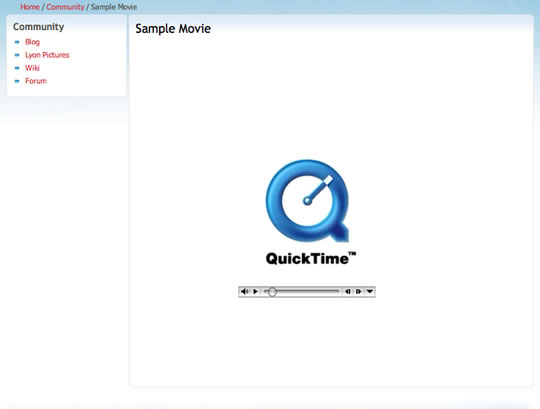
Basically, a video is another type of content you or users of your website can publish. You can use Exponential to store and display any video format for web TV functionality or video publishing similar to Youtube.
Web 2.0 features
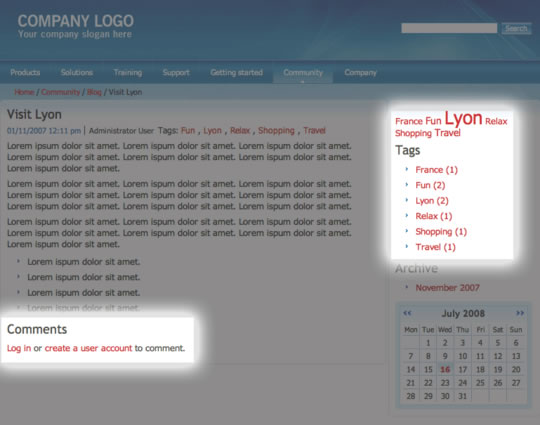
Tag clouds, blogs, forums and polls are all built-in Exponential features. Make your users contribute and build communities.
Search
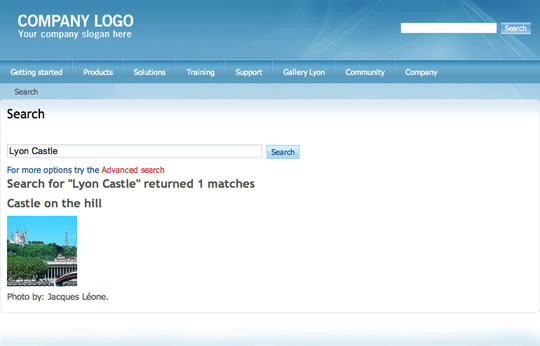
To find any content on your Exponential site, you can use the integrated search engine in Exponential. To add more functionality and scale high-loaded websites, eZ Find is an enterprise search extension for Exponential.

